AO3 skins.
Find your reading color.
Customize or create your own.
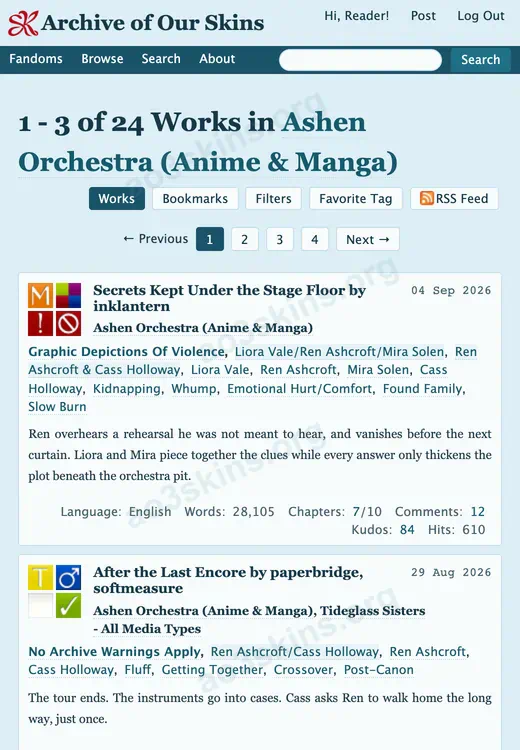
Discover original AO3 skins in light and dark color palettes, all free to use. Preview a skin and copy its CSS, or use our skin generator to edit it and create your own.
All Skins
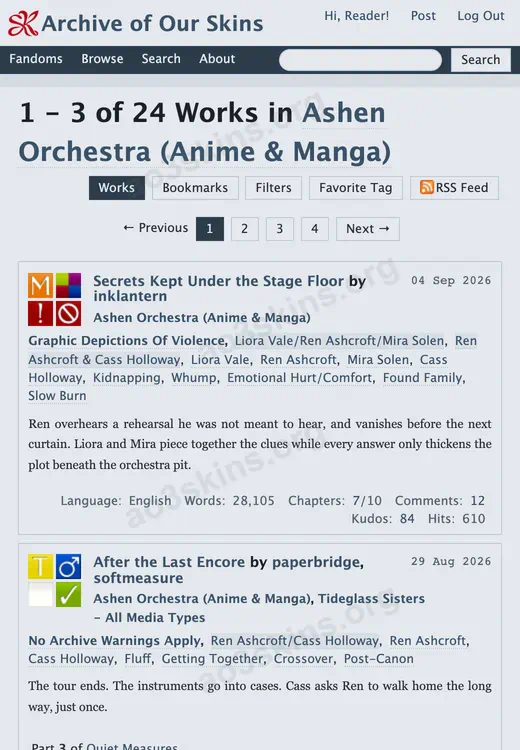

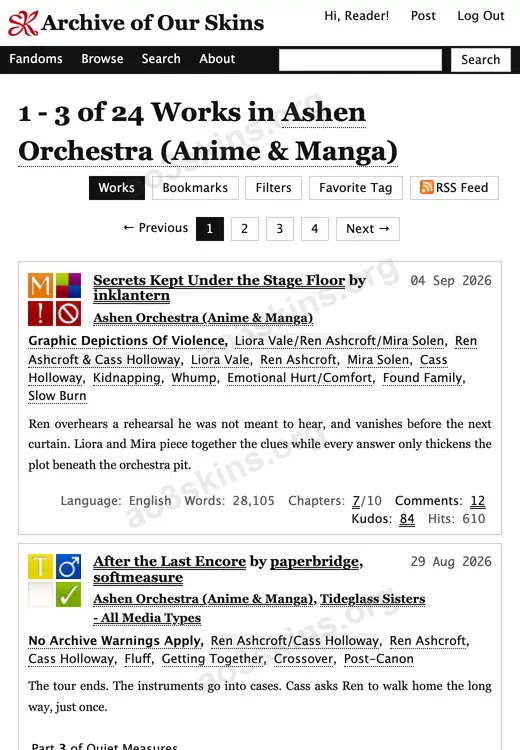
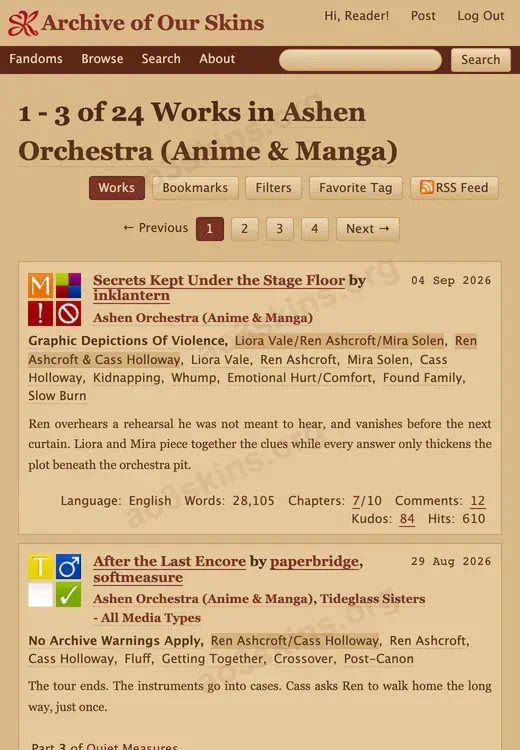
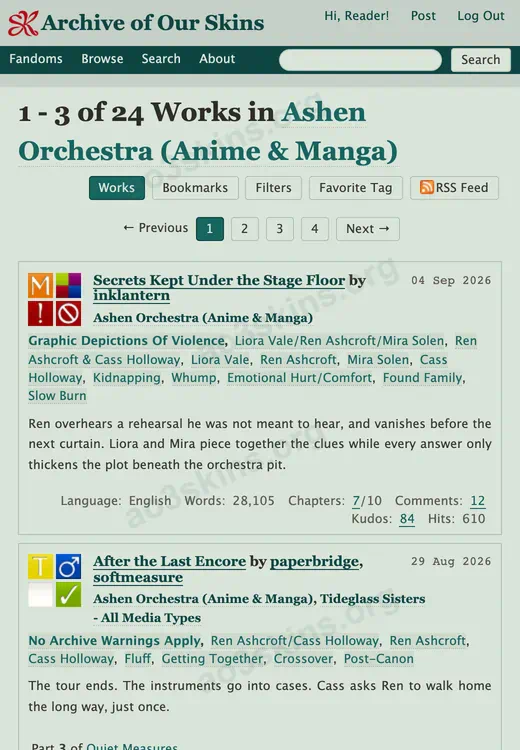
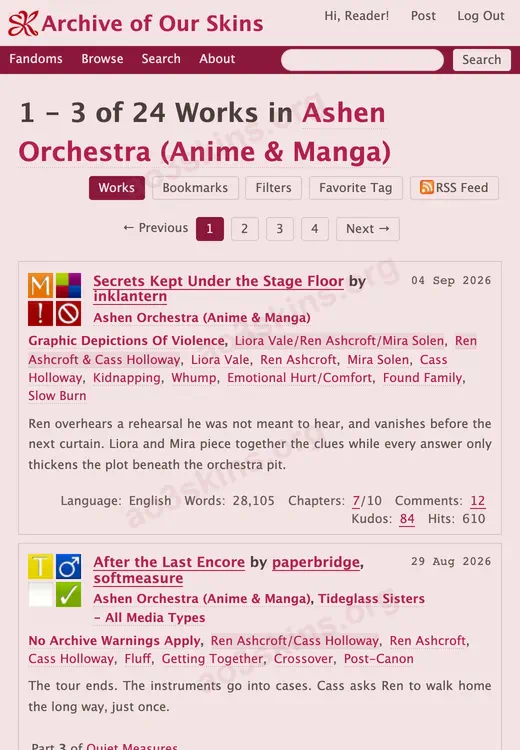

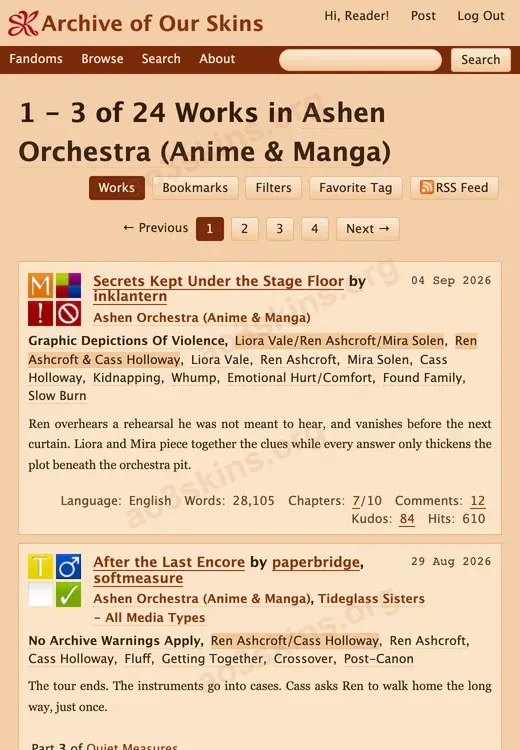
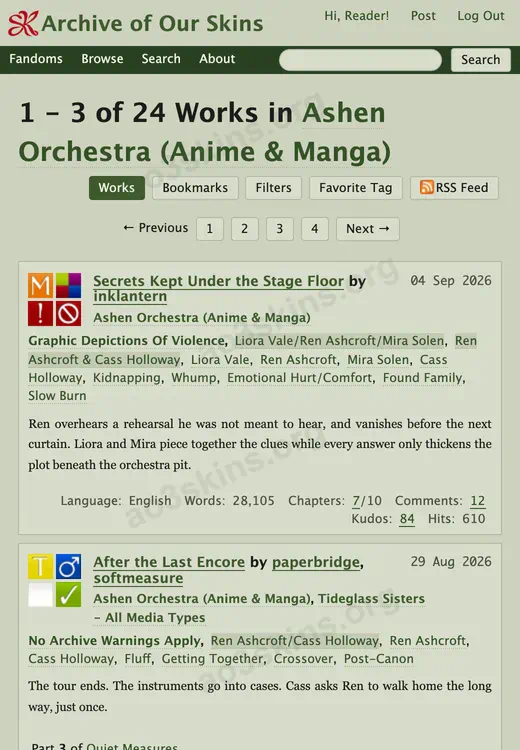
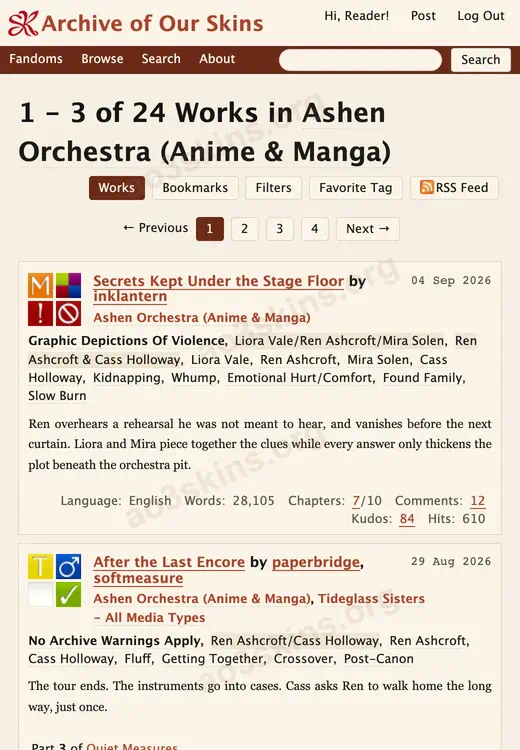
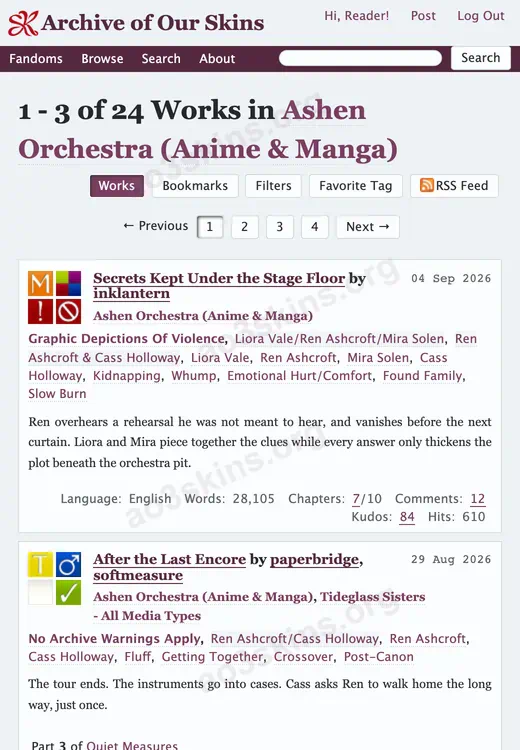
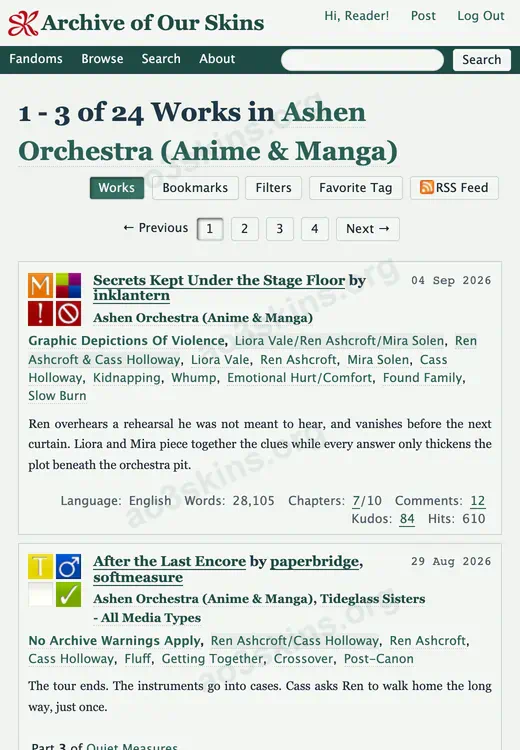
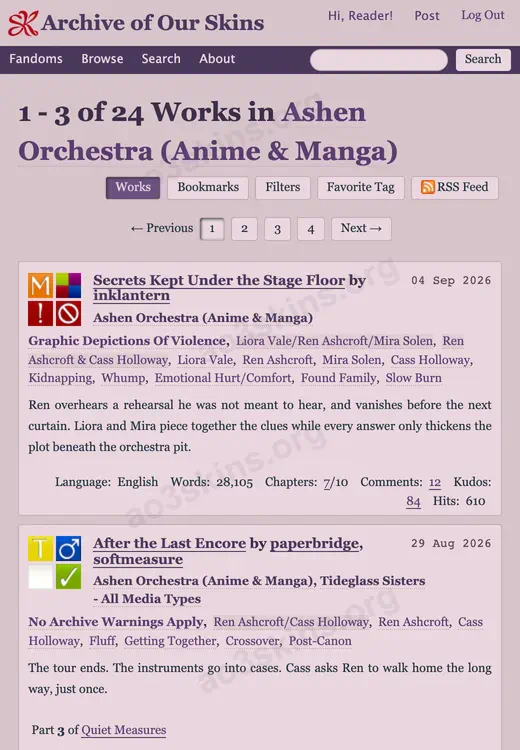
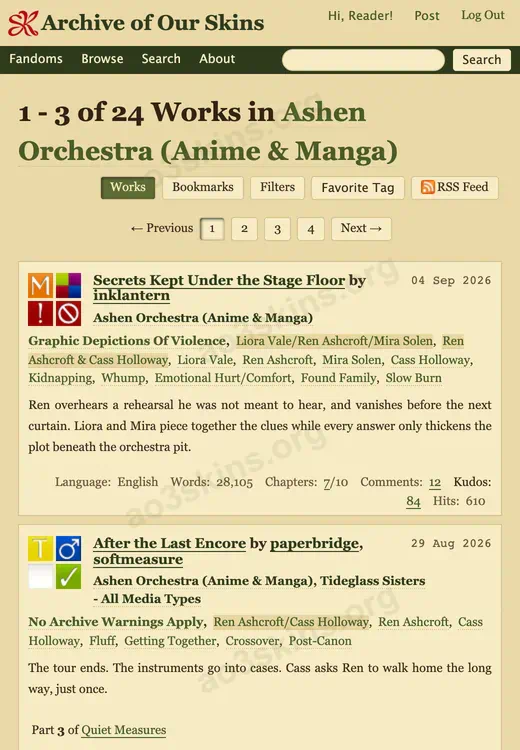
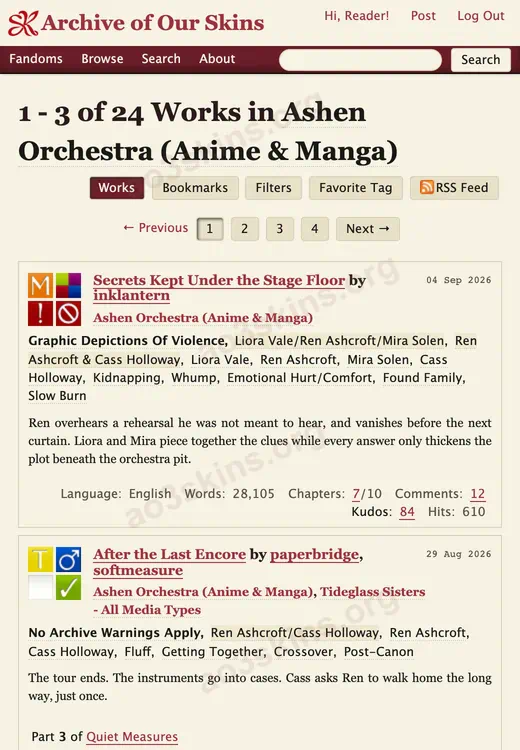
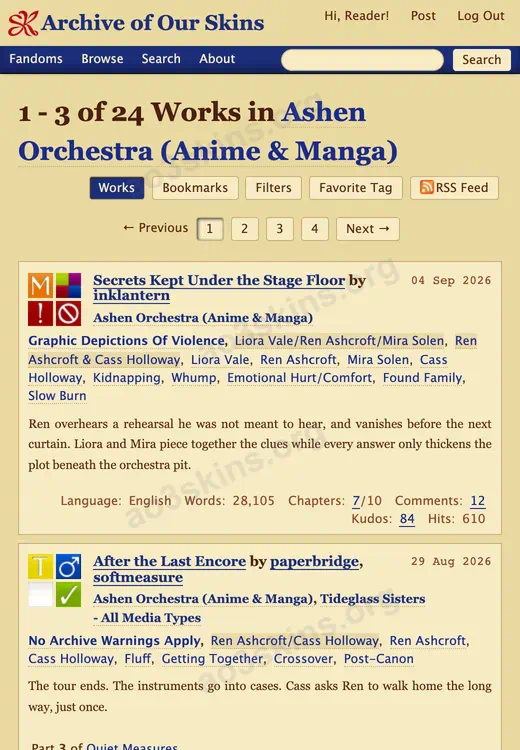
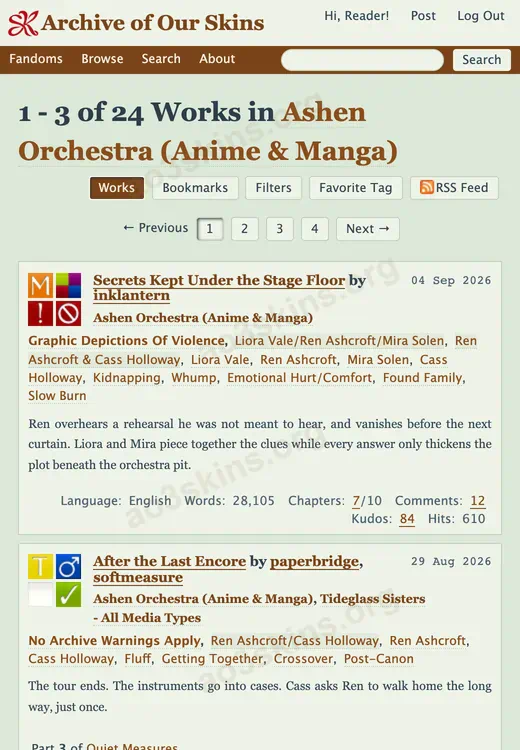
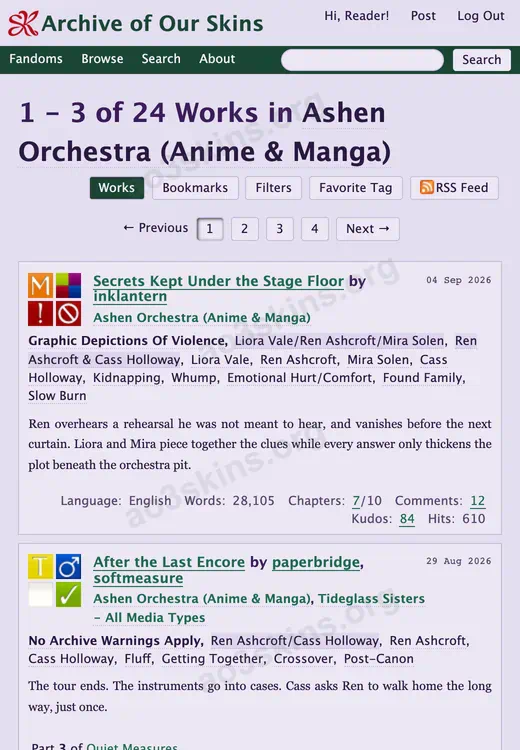
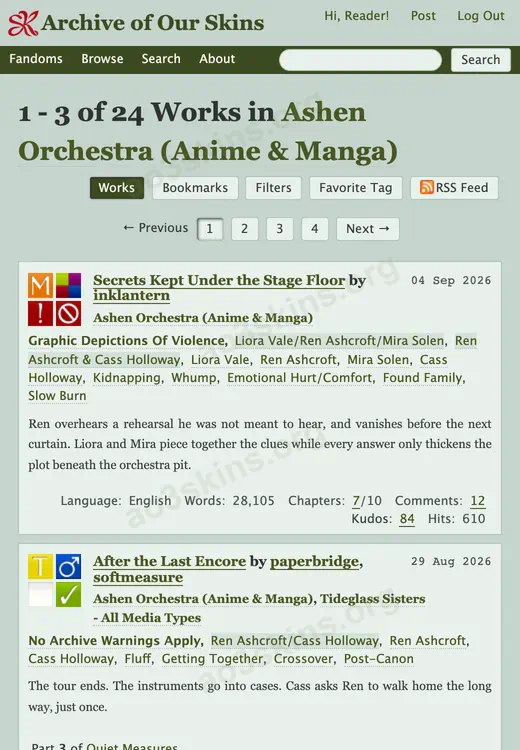
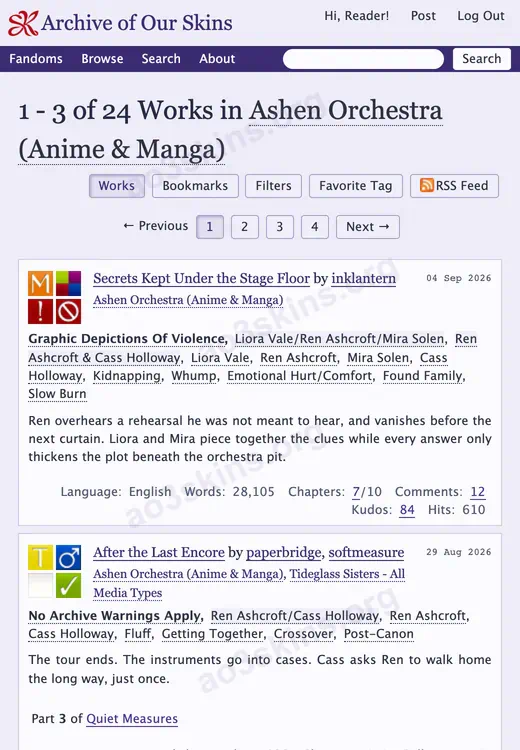
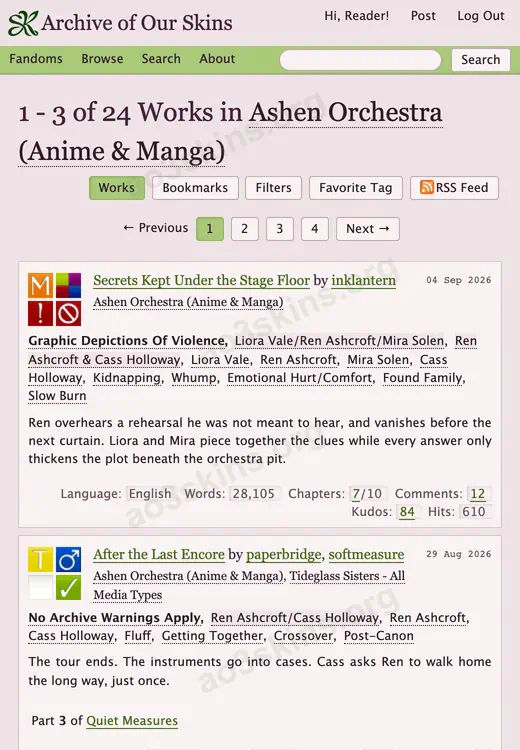
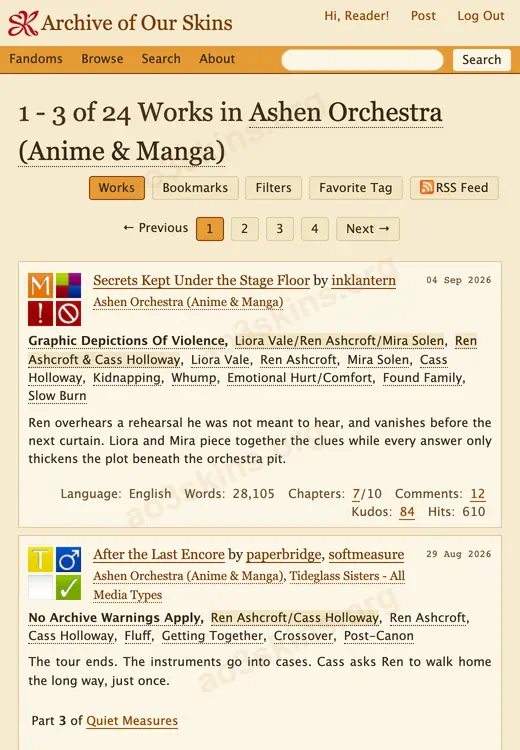
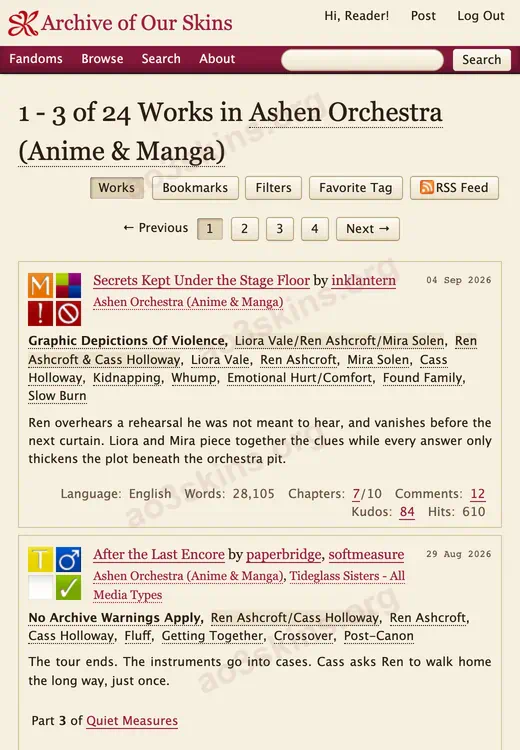

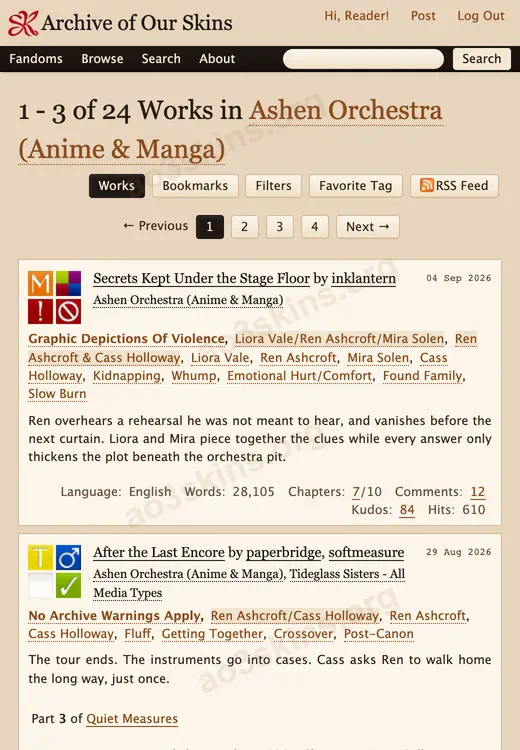
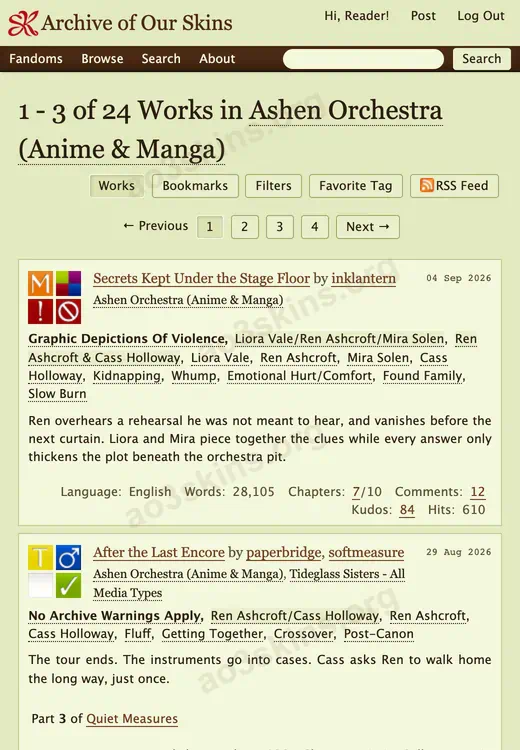
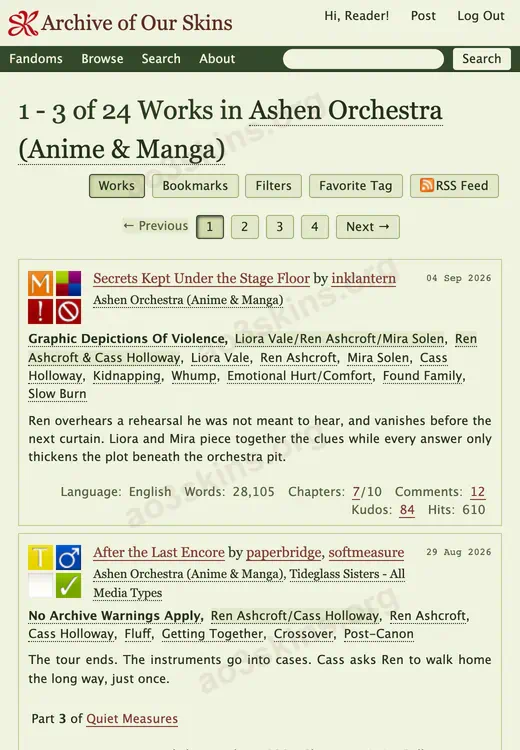
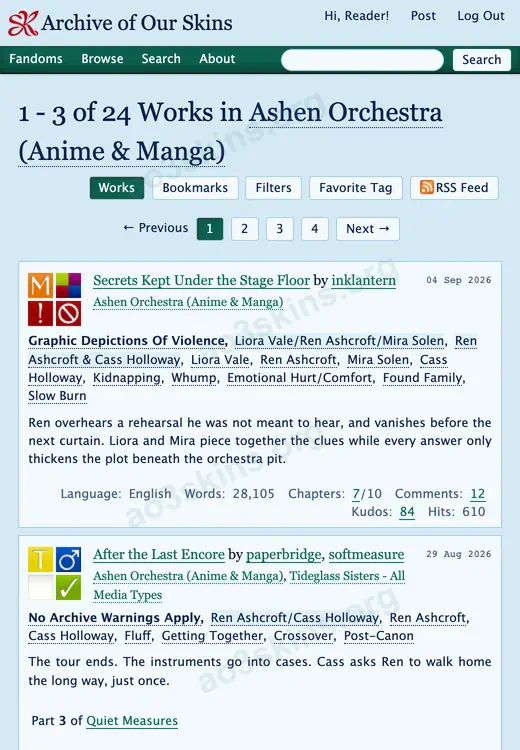
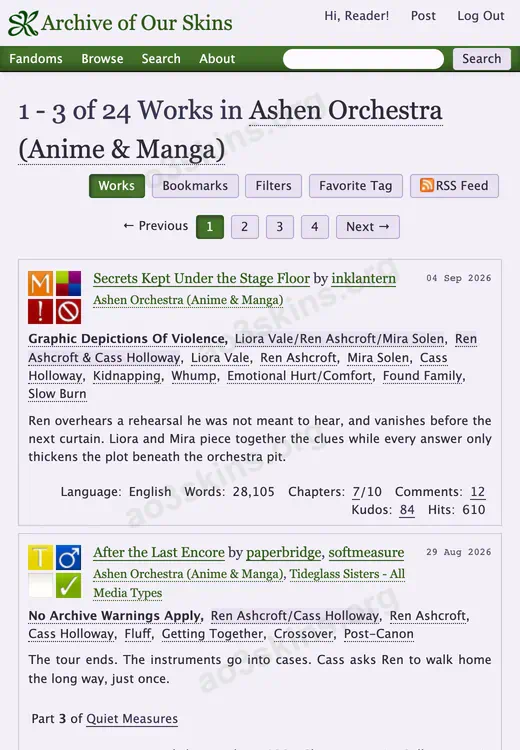
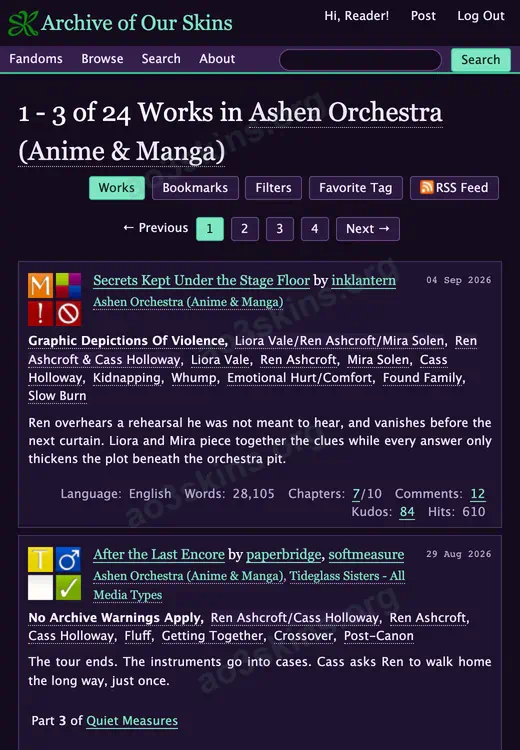
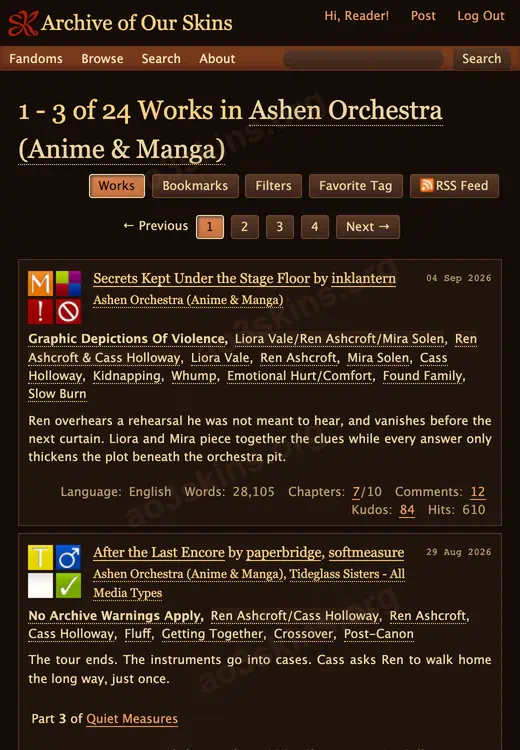
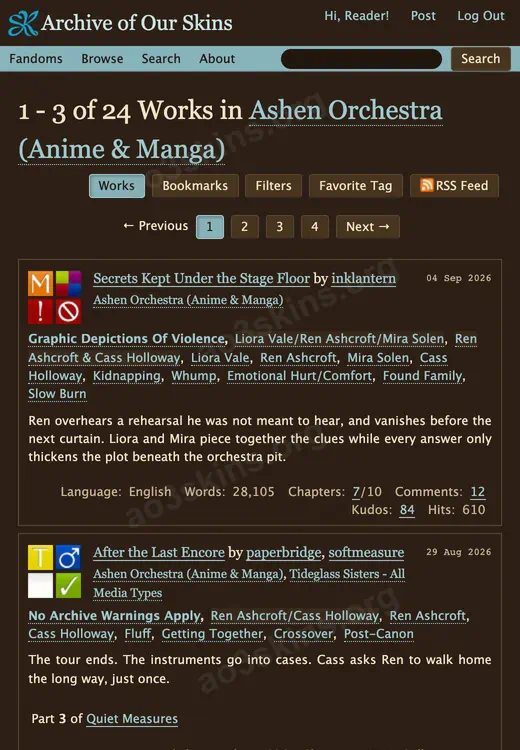
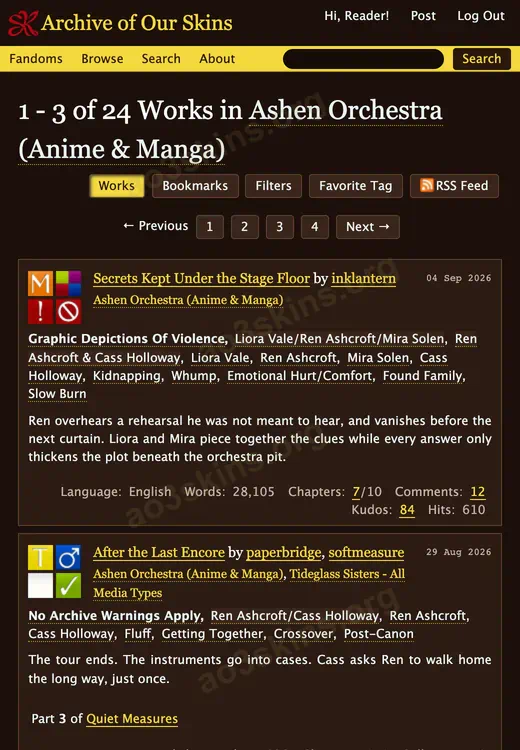
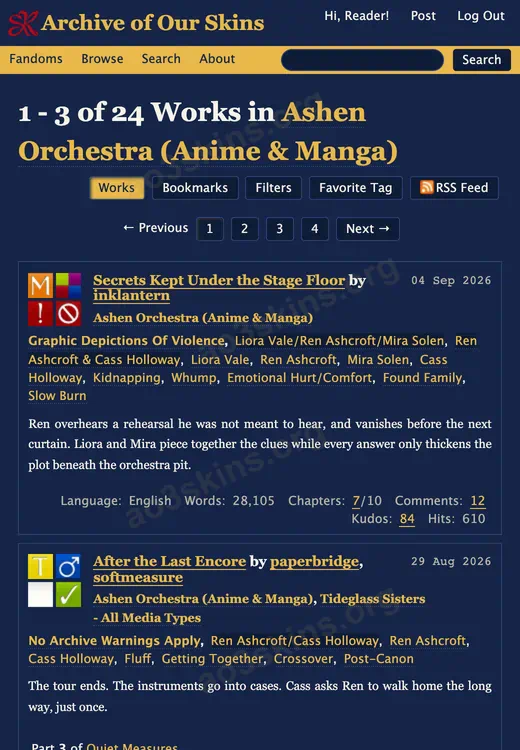
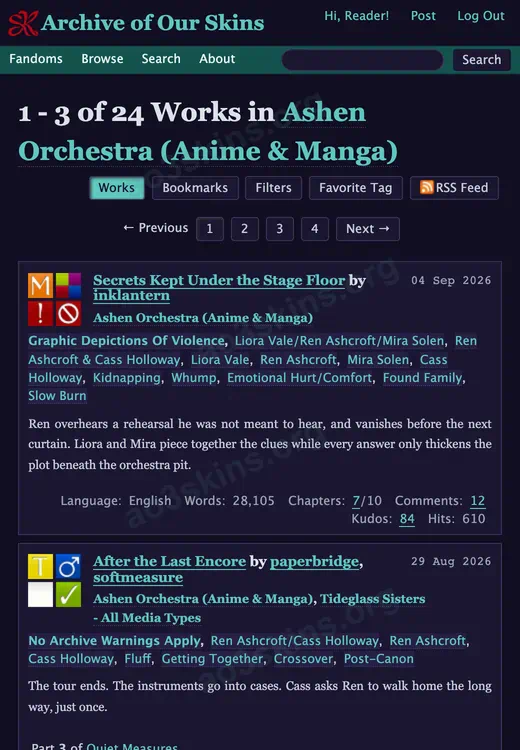
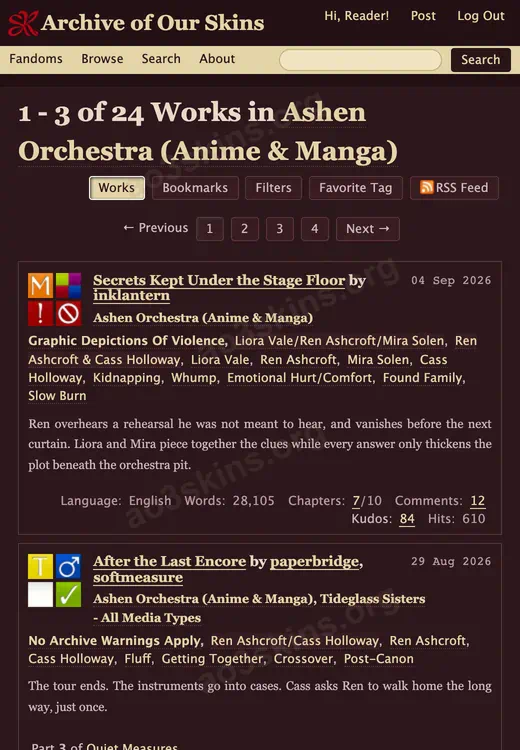
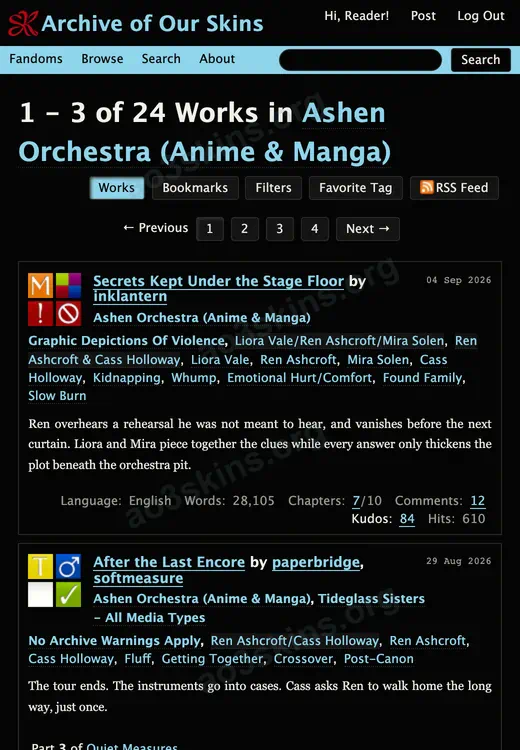
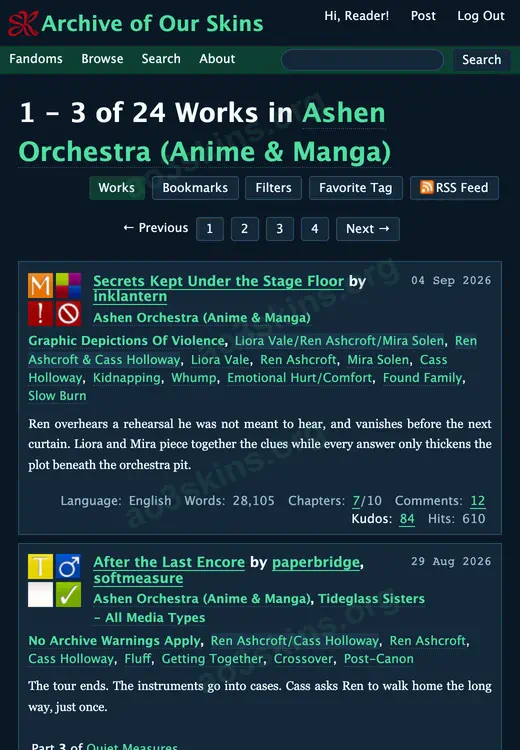
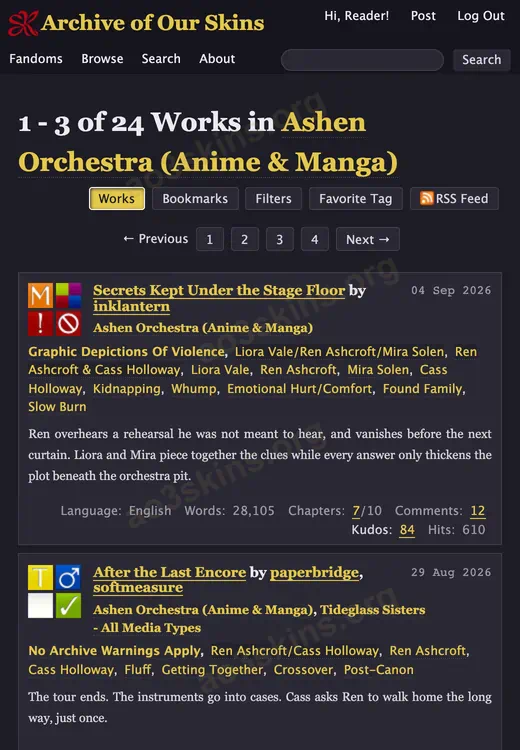
THE AO3 SKIN GENERATOR
Your colors.
Your Archive.
Create your own AO3 Site skin with ao3skins.org. Start with a skin you love, make the colors yours, and watch your reading space take shape.
Create your own skin- Custom colors
- Live preview
- Free CSS export
Make a little change.
Pick a mood. Then make it yours in the generator.
A LITTLE HELP GETTING STARTED
FAQ
About the skins, the generator, and making AO3 feel like yours.
What is ao3skins.org?
ao3skins.org is an independent collection of original AO3 site skins and a free skin generator. Find a look you like, use its CSS, or customize it to make your own reading space.
Are the AO3 skins free to use?
Yes. You can preview, copy, download, and customize the skins on this website for free. The AO3 skin generator is also free to use.
How do I install an AO3 skin?
Open a skin and copy its CSS. Sign in to AO3, create a new Site Skin in your Skins settings, paste the CSS, and save it. Select Use to activate your skin.
See the illustrated installation guide →Can I edit a skin I find here?
Yes. Select Edit this skin on its detail page to open that skin in the generator. Adjust its colors and buttons, preview your changes, and export your edited CSS.
Can I create my own AO3 skin without writing code?
Yes. Start with a palette in the generator and choose your own backgrounds, text colors, links, and button styles. The generator creates the CSS for you, ready to copy into AO3.
Open the skin generator ↗Do I need an account or a browser extension?
You do not need an ao3skins.org account or a browser extension to browse skins or use the generator. You will need to sign in to your AO3 account to save and activate a Site Skin.
Where are my edited skins saved?
Your designs save automatically in the browser you use to edit them. Open My Local Skins in the generator to preview, continue editing, or delete a design. Choosing a skin from ao3skins.org lets you preview it; your first edit creates a personal copy. Editing a skin in My Local Skins updates that saved design. Designs are stored on this browser and do not sync across devices.
Does a site skin change the stories I read?
A site skin changes how AO3 looks for your account, including colors and interface styling. It does not rewrite stories or change what other readers see. You can switch or stop using the skin from your AO3 Skins settings.
Is ao3skins.org affiliated with AO3?
No. ao3skins.org is an independent project and is not affiliated with Archive of Our Own or the Organization for Transformative Works.